
· Andrei M. · ERP Integration · 8 min read
Pluriva ERP to E-commerce: Product Sync with MicroPIM
Connect Pluriva ERP to your online stores through MicroPIM with ANAF-compliant product fields, automated sync via message queues, and AI-powered content enrichment.
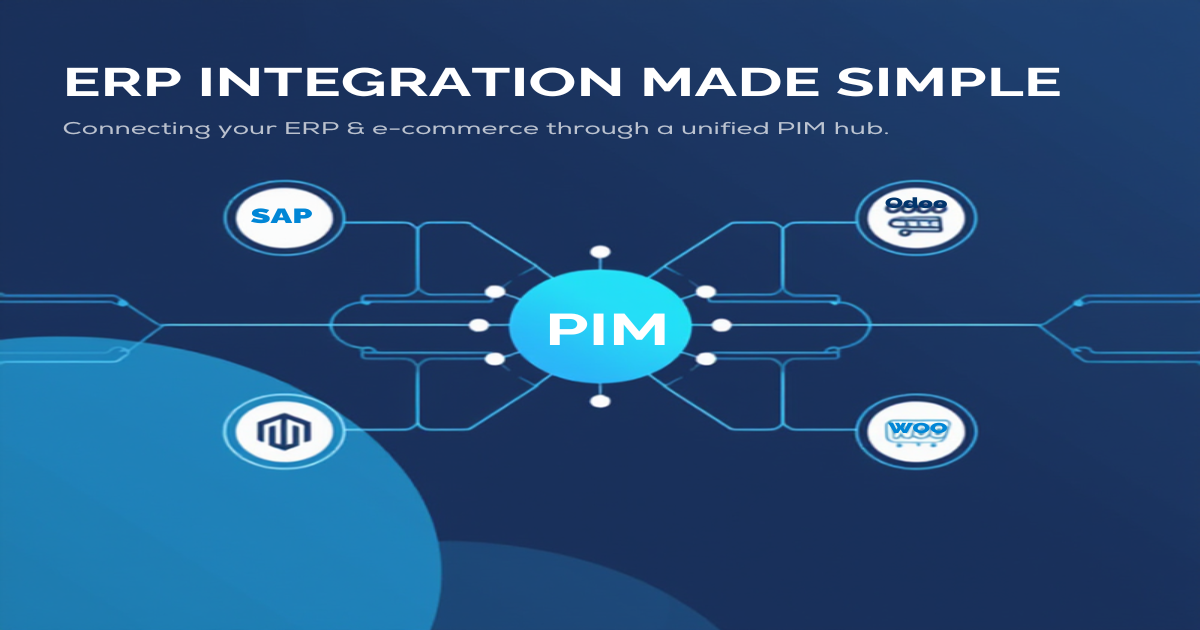
Running a Romanian business means living in two worlds at once: the structured, compliance-heavy world of your ERP and the fast-moving world of e-commerce storefronts. If your ERP is Pluriva, you already have solid product data — cost prices, fiscal codes, supplier terms, risk categories. The frustrating part is getting that data into Shopify, Magento, or Gomag without losing a single field along the way.
MicroPIM is the layer that bridges those two worlds. It speaks Pluriva’s language, understands Romanian fiscal requirements, and pushes clean product data to your online channels automatically.
Pluriva ERP and the E-commerce Challenge
Pluriva is one of Romania’s most widely adopted ERP systems among small and medium-sized businesses. It handles everything from procurement and inventory to invoicing and accounting, all while keeping ANAF compliance baked into every transaction.
The challenge surfaces when you want to sell online. Your Pluriva catalog is rich with fiscal metadata — Intrastat codes, excise duty references, risk categories, cost valuation methods — and none of that maps neatly onto a standard Shopify product page or a Magento attribute set. Most businesses end up with one of three bad outcomes:
- A full manual re-entry process, duplicating effort and introducing errors
- A stripped-down export that loses the fiscal metadata entirely
- A one-off custom script that works until something changes on either side
None of these scales. And none of them keeps the two systems in sync when prices, stock, or product details change in Pluriva.
The right answer is a dedicated product information management layer that knows both systems — and that is exactly where pluriva ecommerce sync through MicroPIM fits.
How MicroPIM Bridges Pluriva to Your Online Stores
MicroPIM acts as a central product hub. Data flows in from Pluriva, gets enriched and transformed, and flows out to whichever e-commerce channels you use. The key word is “central” — you manage product information in one place rather than juggling separate records in every platform.
A Complete Field Mapping Between Systems
The following table shows how Pluriva fields map to MicroPIM fields. Every field listed here is a first-class citizen in MicroPIM — not a workaround, not a custom hack.
| Pluriva Field | MicroPIM Field | Description |
|---|---|---|
| CodArticol | sku | Product code |
| Denumire | name | Product name |
| PretAchizitie | costPrice | Purchase / cost price |
| MetodaCalcuCost | costValuationMethod | Standard, Average, FIFO, LIFO |
| TaraOrigine | countryOfOrigin | ISO country code |
| CategorieRisc | riskCategory | ANAF risk category |
| CodIntrastat | intrastatCode | CN8 Intrastat code |
| CodAcciza | exciseCode | Excise duty code |
| GrupaFiscala | taxClassificationCode | Tax classification |
| UMCumparare | purchaseUom | Purchase unit of measure |
| DescriereAchizitie | purchaseDescription | Purchase description |
| PretVanzare | price | Sales price |
| Greutate | weight | Product weight |
| TermenAprovizionare | supplier.leadTimeDays | Lead time in days |
| CantitateMinima | supplier.minimumOrderQuantity | Min order quantity |
| ConditiiPlata | supplier.paymentTerms | Payment terms |
| DateSpecifice | integrationData (JSON) | Pluriva-specific fields |
The integrationData JSON field at the bottom of that list is important. Any Pluriva-specific data that does not fit a standard MicroPIM field — custom attributes, internal codes, workflow flags — can be stored there and used when building export mappings for your specific stores.
From Pluriva to Every Channel You Sell On
Once products land in MicroPIM, you can push them to any of the supported integrations:
- Shopify — full product and inventory sync with variant support
- Magento — configurable and simple product support with attribute set mapping
- Gomag — native integration with Romania’s leading e-commerce platform, including bidirectional sync for categories, brands, and attributes
- WooCommerce and other platforms — via CSV/XML export templates
This is what makes the pluriva erp integration valuable beyond a simple data transfer. You import once from Pluriva and distribute to as many storefronts as you need without any additional manual work.
ANAF Compliance Fields Built Into MicroPIM
Romanian fiscal compliance is not an afterthought in MicroPIM — it is part of the core data model. This was a deliberate design decision, because Romanian businesses operating under ANAF oversight have data requirements that generic PIM systems simply do not account for.
Risk Category (CategorieRisc)
The riskCategory field maps directly to Pluriva’s CategorieRisc and uses an enum with four values: HIGH, MEDIUM, LOW, and EXEMPT. This matches ANAF’s product risk classification framework and ensures that high-risk goods are flagged consistently across your catalog, regardless of which storefront they appear on.
Intrastat Code (CodIntrastat)
The intrastatCode field stores the eight-digit CN8 Combined Nomenclature code required for EU intra-community trade reporting. If your business exports products to other EU member states, this code is mandatory on your Intrastat declarations. Having it stored at the product level in MicroPIM means it flows through to any integration that needs it.
Excise Duty Code (CodAcciza)
For products subject to Romanian excise duties — alcohol, tobacco, energy products — the exciseCode field captures the relevant accize code from Pluriva. This is particularly useful for pluriva romania ecommerce businesses that sell regulated goods through online channels where fiscal documentation requirements follow the product.
Tax Classification (GrupaFiscala)
The taxClassificationCode field mirrors Pluriva’s GrupaFiscala and works alongside MicroPIM’s VAT system. MicroPIM ships with EU-compliant VAT rates for all 27 member states — standard, reduced, super-reduced, and zero rates — so Romanian businesses selling cross-border have the full VAT matrix available without any custom configuration.
Cost Valuation Method (MetodaCalcuCost)
Cost accounting in Pluriva uses standard Romanian methods: Standard, Average, FIFO, and LIFO. The costValuationMethod field preserves this information in MicroPIM so that your margin calculations and cost reporting remain consistent when you pull data back out for analysis.
Event-Driven Sync Architecture
A field mapping table is only useful if the data stays current. The technical challenge with any ERP-to-e-commerce sync is handling updates reliably — prices change, stock moves, new products get added, discontinued items need to come down from storefronts.
MicroPIM handles this through an event-driven architecture built on Symfony Messenger message queues. Rather than polling Pluriva on a schedule and hoping nothing is missed, each type of change triggers a discrete message that gets processed asynchronously.
How It Works in Practice
When a product update arrives from Pluriva — whether via API webhook, file export, or scheduled import job — MicroPIM creates a message for that update and places it in the appropriate queue. Separate queues handle different concerns:
- Product data updates flow through the core async queue
- Shopify sync operations go through the dedicated
shopify_synctransport - Magento operations use the
magento_syncandmagento_bulktransports for single and batch updates - Gomag operations run on the
gomag_synctransport with built-in rate limiting that respects Gomag’s API constraints
This separation matters for pluriva product management at scale. A price update on 500 products in Pluriva does not block your Shopify store from receiving other updates. Each platform gets its own processing lane, and failures in one lane do not cascade into others.
Multi-Warehouse Inventory Sync
Pluriva supports multiple warehouses, and so does MicroPIM. Inventory levels from each warehouse are tracked independently, and when pushing to e-commerce platforms, MicroPIM can aggregate warehouse quantities, use a specific warehouse as the source of truth, or apply custom availability rules based on your business logic.
Checksum-Based Change Detection
For Gomag in particular — and as a general principle for all platform integrations — MicroPIM uses SHA-256 checksums to detect whether a product has actually changed before dispatching a sync message. This prevents unnecessary API calls to your e-commerce platforms and keeps your rate limit consumption predictable, which is especially relevant for Gomag’s strict per-second request limits.
Getting Started with Pluriva + MicroPIM
The integration path from Pluriva to MicroPIM to your storefronts follows a consistent pattern regardless of your catalog size.
Step 1: Map Your Pluriva Export
Start by exporting a sample of your Pluriva catalog — a few hundred products across your main categories works well. Review the export against the field mapping table above and note any fields that are critical to your business. If Pluriva stores custom attributes that are not in the standard mapping, identify those for the integrationData JSON field.
Step 2: Configure Your Integration Profile
Inside MicroPIM, create an import profile for your Pluriva export format. MicroPIM’s AI-powered field mapper can analyze your export file and suggest mappings automatically, which accelerates the configuration step significantly. For fields that require manual mapping — particularly the Romanian fiscal fields — the mapping interface lets you define exactly how each Pluriva field arrives in MicroPIM.
Step 3: Enrich Your Catalog
This is where MicroPIM adds value beyond simple data transfer. Once your Pluriva products are in the system, you can:
- Generate AI-powered product descriptions in Romanian and other languages using MicroPIM’s Claude AI integration
- Use AI image generation to produce lifestyle and studio images for products that only have plain white-background photos
- Add product variants for items that Pluriva tracks as separate SKUs but that belong together as a configurable product on your storefront
- Apply SEO titles and meta descriptions using prompt templates tailored to your product categories
Step 4: Connect Your Storefronts
With products enriched in MicroPIM, connect your e-commerce platforms. For Gomag — the most common choice for Romanian businesses — the native bidirectional integration handles categories, brands, attributes, and products. For Shopify or Magento, the OAuth-based integrations set up in minutes.
Step 5: Automate the Ongoing Sync
Set up your recurring import from Pluriva and let the message queues handle the rest. MicroPIM will process updates, detect changes, and push only what has changed to each connected platform. Your team stops doing manual catalog maintenance and starts focusing on the work that actually grows the business.
If you are managing a Romanian product catalog in Pluriva and looking for a reliable path to pluriva ecommerce sync without losing your fiscal data or building custom integrations, MicroPIM was built for exactly this workflow.
Contact our team to discuss your Pluriva integration, check our pricing, or book a demo to get a hands-on walkthrough of the field mapping and sync configuration for your specific catalog. You can also start a free trial and explore the getting started guide to see the platform firsthand.
Related reading: How to Import Product Feeds Into Your Online Store for a broader look at feed-based imports and multi-platform distribution.
Also in this series: NetSuite integration, SAP Business One integration, Dynamics 365 integration, Odoo product sync, Senior ERP integration, and WooCommerce ERP integration.
