
· Andrei M. · ERP Integration · 8 min read
Dynamics 365 Business Central Product Management with MicroPIM
Manage and publish your Dynamics 365 Business Central product catalog across Shopify, Magento, and Gomag with MicroPIM — complete field mapping, inventory sync, and AI enrichment.
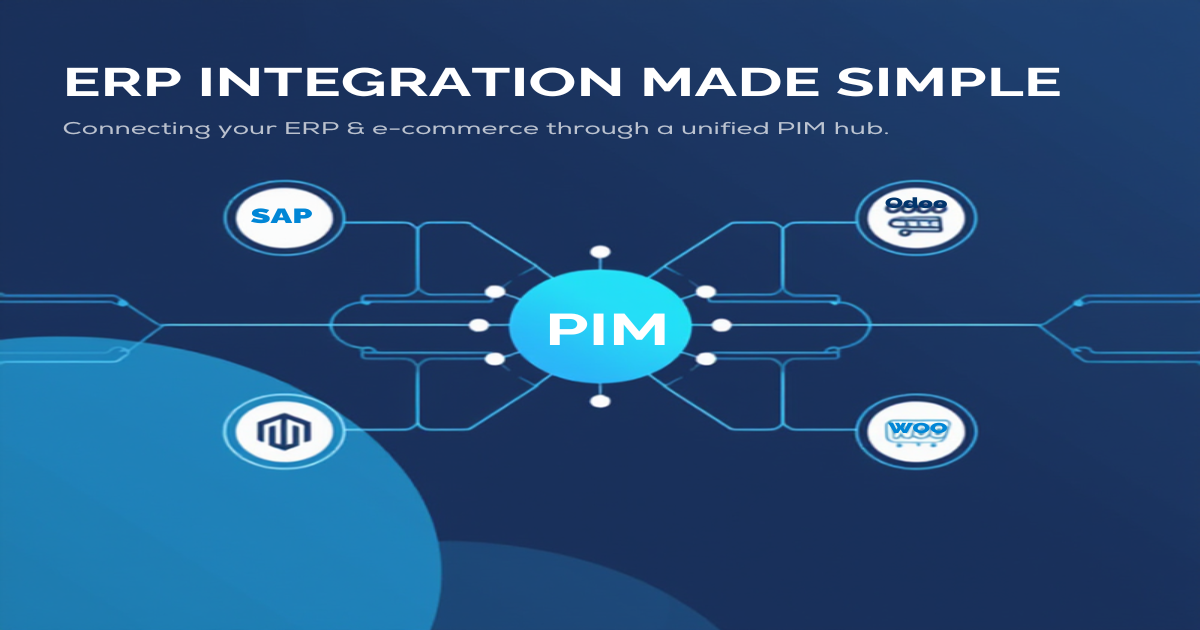
Dynamics 365 Business Central is one of the most capable ERP platforms available for mid-market businesses. It handles your financials, procurement, and inventory with precision. What it was not designed to do is manage the rich, channel-ready product content that modern e-commerce demands.
If your team manages a product catalog in Business Central and also sells on Shopify, Magento, or a regional platform like Gomag, you have probably felt that gap firsthand — data lives in two places, someone is always copying and pasting, and keeping everything in sync is a full-time job. MicroPIM bridges that gap, turning your Business Central item master into a fully enriched, multi-channel product catalog.
Why Dynamics 365 Users Need a PIM
Business Central is built around operational data. The item card holds what the business needs for purchasing, pricing, and accounting. It is not designed for the marketing-quality content that e-commerce channels require — long-form descriptions, alternate images, SEO metadata, size guides, translated copy, or product variants for color and size combinations.
The result is a common pattern: the ERP holds the source-of-truth for pricing and inventory, while product content lives in a spreadsheet, a Google Drive folder, or inside the e-commerce platform itself. When prices change in Business Central, someone manually updates Shopify. When a new item is added, it gets entered three times in three different systems.
A PIM layer between your ERP and your sales channels solves this problem by giving each system exactly the data it is responsible for. Business Central continues to own pricing, cost, inventory levels, and supplier terms. MicroPIM takes that structured data, allows your team to layer on marketing content, AI-generated images, and translations, and then publishes the finished product to every channel simultaneously.
For companies already running Dynamics 365 Business Central, adding MicroPIM means faster time-to-market for new products, fewer manual errors, and a single place to manage how your catalog looks to customers — without touching the ERP configuration. See how it works and explore MicroPIM’s integrations to understand the full picture.
Field-by-Field Mapping
One of the most practical aspects of the MicroPIM integration with Dynamics 365 Business Central is the field mapping layer. Rather than requiring a custom development project, MicroPIM provides a predefined mapping between Business Central item fields and MicroPIM product fields. This covers the full operational profile of a product, including cost valuation method, intrastat codes, and supplier terms.
| Dynamics 365 BC Field | MicroPIM Field | Description |
|---|---|---|
| No. | sku | Item number used as the unique product identifier |
| Description | name | Primary item description becomes the product name |
| Unit Price | price | Sales price synced across channels |
| Unit Cost | costPrice | Purchase cost tracked for margin reporting |
| Costing Method | costValuationMethod | Standard, Average, FIFO, or LIFO |
| Country/Region of Origin | countryOfOrigin | ISO country code for customs and compliance |
| Gross Weight | weight | Item weight for shipping calculations |
| Purch. Unit of Measure | purchaseUom | Purchase unit of measure from vendor card |
| Purch. Description | purchaseDescription | Vendor-facing description |
| Gen. Prod. Posting Group | taxClassificationCode | Tax posting group for VAT classification |
| Tariff No. | intrastatCode | Intrastat CN8 code for EU trade reporting |
| Lead Time Calculation | supplier.leadTimeDays | Vendor lead time in days |
| Minimum Order Quantity | supplier.minimumOrderQuantity | Minimum order quantity from vendor |
| Payment Terms Code | supplier.paymentTerms | Payment terms linked to the vendor record |
| Reorder Point | reorderPoint (warehouse) | Reorder threshold per warehouse location |
| Location Code | warehouse (multi-warehouse) | Maps BC locations to MicroPIM warehouses |
| User-Defined Fields | integrationData (JSON) | Custom fields stored as structured JSON |
The costing method mapping deserves a mention because it is an area where ERP data is frequently lost when products are published to e-commerce platforms. MicroPIM preserves the costValuationMethod value — whether Standard, Average, FIFO, or LIFO — so your finance team maintains visibility into margin reporting even after products are live on Shopify or Magento.
The taxClassificationCode field maps from Business Central’s General Product Posting Group directly into MicroPIM’s VAT system. MicroPIM includes a complete EU VAT rate library covering all 27 member states with correct 2024 rates (standard, reduced, super-reduced, and zero). If your Business Central setup already has VAT classification logic, that classification carries through to the e-commerce channel without requiring you to reconfigure it.
Reorder Point and Multi-Location Inventory
Inventory management is where the Business Central integration pays off most immediately in day-to-day operations. Business Central’s location-based inventory model maps cleanly to MicroPIM’s multi-warehouse architecture.
Each Business Central Location Code corresponds to a MicroPIM warehouse. When stock levels change at a specific location in Business Central — whether because of a purchase order receipt, a sale, or an inventory adjustment — that change is reflected in MicroPIM’s warehouse inventory records. Your e-commerce channels then receive updated stock data per warehouse, allowing you to configure fulfillment rules based on which warehouse ships to which region.
The reorder point field is particularly useful for businesses that use Business Central’s demand planning features. MicroPIM stores the reorder point alongside inventory levels, so product managers can see at a glance which products are below threshold without needing to log into the ERP. You can also configure MicroPIM to flag low-stock products during the publishing workflow, preventing you from actively promoting a product that is about to go out of stock.
For businesses with a single warehouse, the mapping is straightforward. For multi-location operations — a central warehouse plus regional distribution points, for example — MicroPIM aggregates inventory across locations or exposes individual location stock to the e-commerce platform, depending on your channel configuration.
Publishing from Dynamics 365 to Shopify, Magento, Gomag
Once your product data is in MicroPIM, publishing to sales channels is where the platform earns its place in your stack. MicroPIM maintains native integrations with Shopify, Magento, and Gomag, each with bidirectional sync capabilities.
Shopify receives product data including variants, media, pricing, inventory levels, and metafields. MicroPIM handles the Shopify OAuth flow and API versioning, so you are always publishing against a supported API version. Inventory sync is location-aware, meaning if you have Shopify multi-location enabled, MicroPIM maps Business Central locations to Shopify locations correctly.
Magento integration covers configurable and simple products, category assignment, attribute sets, and bulk synchronization. MicroPIM’s field mapper handles the transformation between Business Central’s flat item structure and Magento’s attribute-set-based product model. For businesses running a large Magento catalog, bulk sync via the message queue ensures that publishing thousands of products does not put pressure on your Magento instance.
Gomag, the Romanian e-commerce platform, is supported with full bidirectional sync for products, categories, brands, and attributes. This is particularly relevant for businesses operating in the Romanian market that use Business Central as their primary ERP. The Gomag integration includes rate limiting and checksum-based change detection, so only products that have actually changed are pushed — saving API quota and reducing sync time.
Before products leave MicroPIM for any of these channels, you can apply AI enrichment that Business Central simply cannot provide:
- AI image generation via Nano Banana Pro — generate professional product images from existing photos using Google, fal.ai, or kie.ai models, directly within the product media workflow.
- AI translations across 21 languages — MicroPIM’s translation agent uses Claude AI to translate product names, descriptions, and SEO metadata, with an approval workflow before any translated content is published.
- Product variants — if your Business Central items have size or color variants tracked as separate item numbers, MicroPIM’s variant system groups them into a single configurable product for Shopify and Magento.
- SEO metadata — meta titles, descriptions, and structured data fields can be authored or AI-generated per product, per channel, and per language.
The practical workflow looks like this: a buyer in Business Central creates a new item, fills in the item card, and assigns a vendor. That data flows into MicroPIM via the integration. A content editor then adds the marketing description, uploads or generates product images, and reviews the AI-suggested translation for the German Shopify store. Once approved, a single publish action pushes the product to all configured channels simultaneously.
Getting Started
Connecting Dynamics 365 Business Central to MicroPIM does not require a long implementation project. The integration uses Business Central’s standard web services and OData endpoints, which are available in all Business Central online and on-premise deployments.
The setup process covers four areas. First, configure the API connection between Business Central and MicroPIM using your Business Central tenant credentials and the web service endpoint. Second, review the default field mapping and adjust any custom fields that are specific to your Business Central configuration — these can be stored in the integrationData JSON field without requiring schema changes. Third, map your Business Central locations to MicroPIM warehouses. Fourth, connect your sales channels — Shopify, Magento, Gomag, or any combination — and configure which product data flows to each.
From that point, the operational workflow is straightforward. New items added in Business Central appear in MicroPIM automatically. Price updates and inventory changes sync on a schedule you control. Content enrichment happens inside MicroPIM without any involvement from your ERP team.
If you manage your catalog in Dynamics 365 Business Central and want a cleaner path to multi-channel publishing, MicroPIM removes the manual work between your ERP and your storefronts.
If you are evaluating ERP integrations more broadly, the approach described here applies equally to other ERP platforms. You can read about the SAP Business One integration and the Odoo integration in the same series. For a primer on file-based imports, see the feed product import guide, and for first-time setup check the getting started guide.
Ready to see how the Business Central integration works with your specific catalog? Book a demo, check our pricing, or contact our team and we will walk through the field mapping and publishing workflow using your own product data.
Also in this series: NetSuite integration, SAP Business One integration, Odoo product sync, Pluriva integration, Senior ERP integration, and WooCommerce ERP integration.
