
Available on iOS & Android
MicroPIM Mobile App
Manage your product catalog on the go with our powerful mobile app
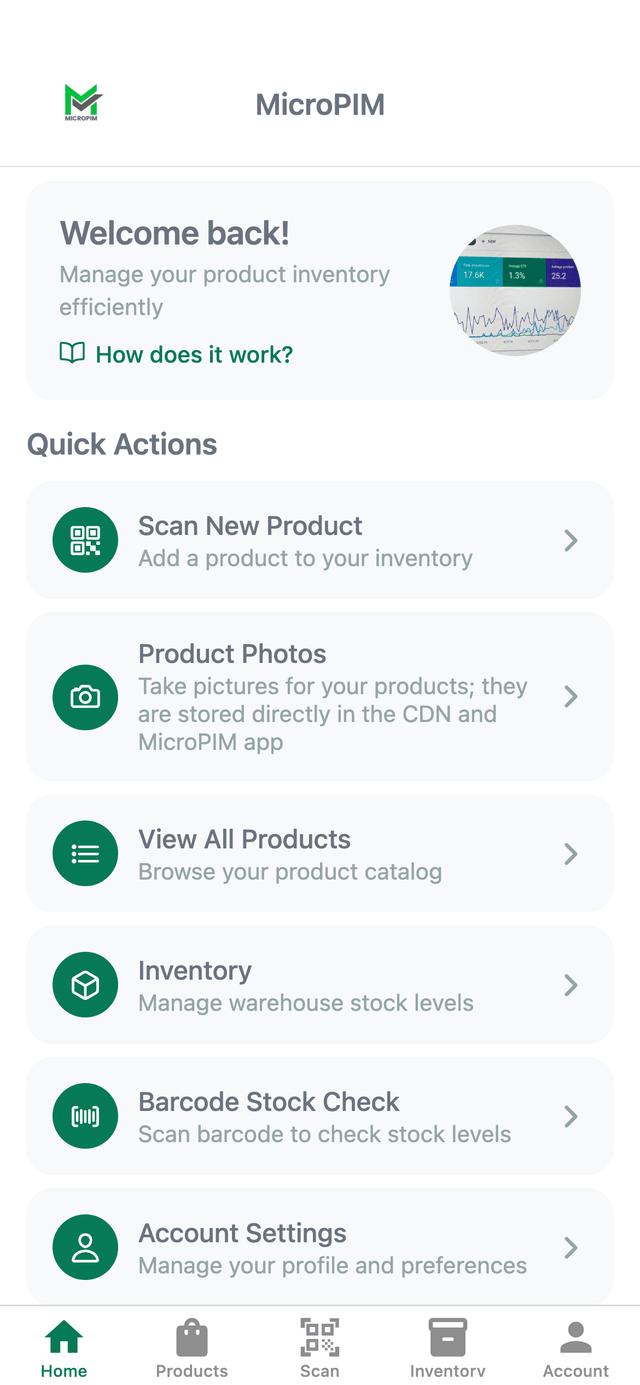
How it works
Your product catalog, wherever you are
The mobile app connects to the same catalog you manage on the web, so nothing gets out of sync.
Scan to add a product
Point the camera at a barcode or QR code and MicroPIM pulls up the matching product, or starts a new one.
Capture photos on the spot
Take product photos straight from your phone. They upload to your MicroPIM media library automatically.
Check stock instantly
Scan a barcode in the warehouse to see live inventory and stock levels without opening a laptop.
Stay in sync everywhere
Changes made on mobile appear on the web dashboard right away, and the other way around.
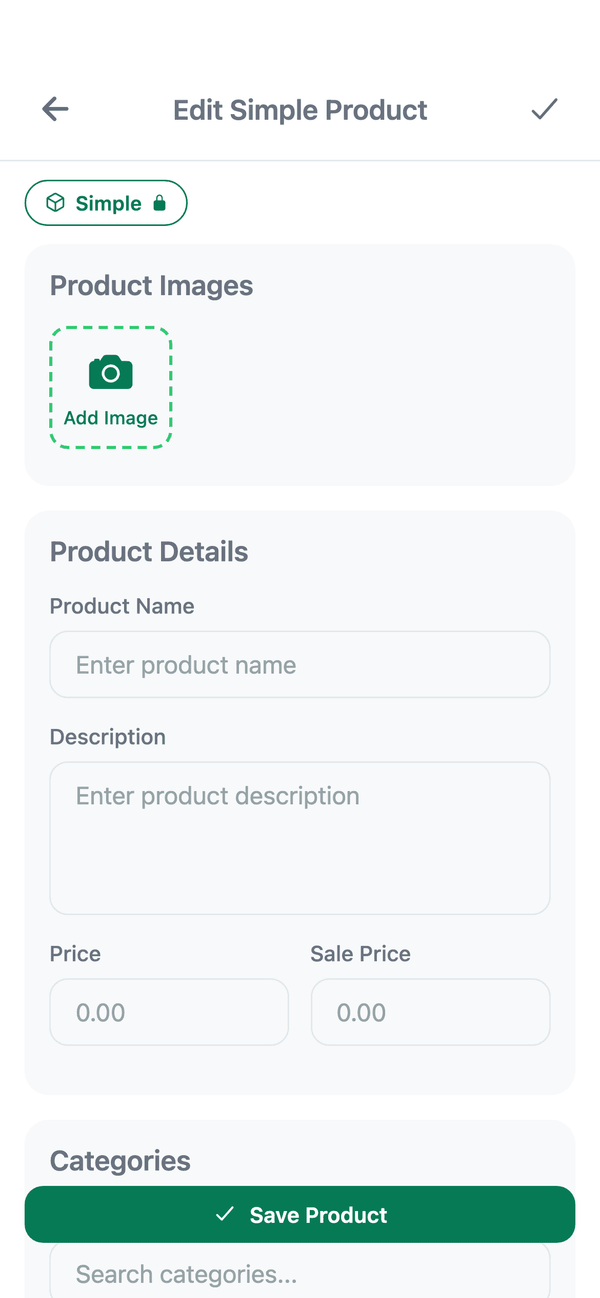
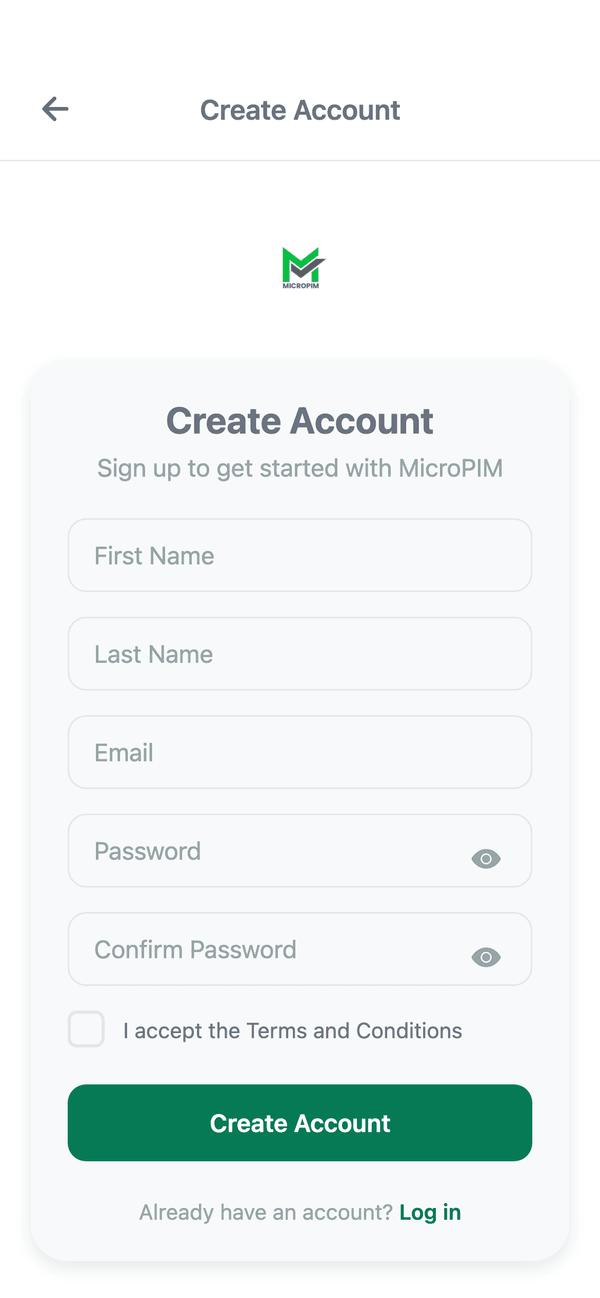
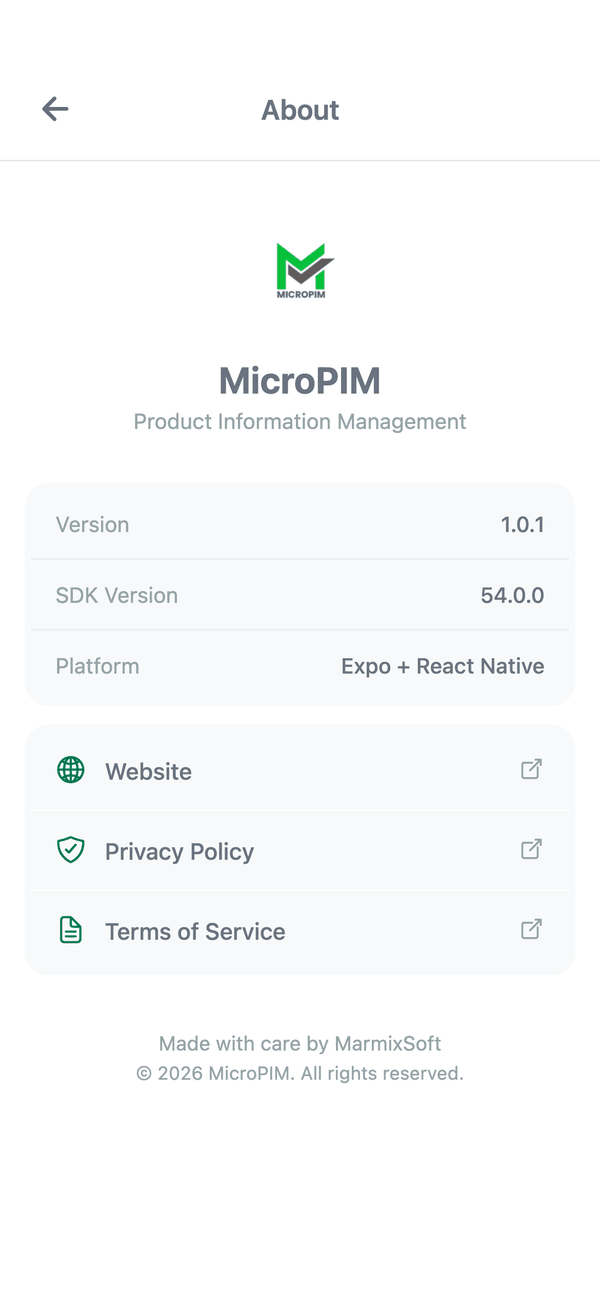
A look inside the app
Capabilities
Everything you need, without a laptop
A companion to the web PIM, not a stripped-down version of it.
Dashboard overview
Check your catalog health and recent activity at a glance.
Barcode & QR scanning
Add new products or look up existing ones in seconds.
Product photo capture
Shoot and upload product images directly to your media library.
Full catalog browsing
Search and browse your entire product catalog from anywhere.
Inventory & stock checks
See warehouse stock levels and run quick barcode stock checks.
Image search
Find products visually when you don't have a SKU handy.
Real-world use
Not everyone runs the business from a desktop
The MicroPIM app is built for the moments the web dashboard can't reach.
In the warehouse
Scan a shelf barcode to check stock without walking back to a terminal.
On a supplier visit
Snap product photos and add new items to the catalog on the spot.
Between meetings
Get a real-time notification and glance at the dashboard from your phone.
Universal Export
Export Products with ease
Seamlessly export your product catalog to all major e-commerce platforms and formats
Import Your Products
Use our browser extension or upload CSV files to import products from any source
Customize & Optimize
Edit product data, add custom fields, optimize SEO, and set pricing rules
Export Products
Choose your platform and export in the perfect format with one click
Export up to 10 products

Shopify
Direct integration with your Shopify store

WooCommerce
WordPress WooCommerce compatible exports

Magento
Enterprise Magento format support

Gomag
Gomag e-commerce platform exports

MerchantPro
MerchantPro platform product sync
CSV/Excel
Universal spreadsheet formats
Want to know the moment it launches?
The MicroPIM mobile app is in the final stretch before release on iOS and Android.
Tell us you're interested and we'll reach out as soon as it's available. No spam, no commitment.
- Early access when we open the beta
- No credit card, no obligation
- Works with your existing MicroPIM account
FAQ
Mobile app FAQ
Answers to common questions about the MicroPIM mobile app.